
Guide
WebRTC leak test: can websites see your real IP through a VPN?
WebRTC powers browser calls, and it can expose an address other than the one your VPN shows. Here is what a WebRTC leak is and how to test for one in your browser.
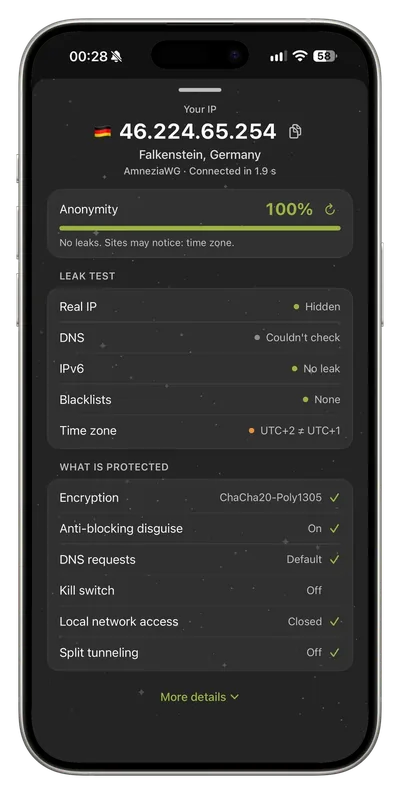
What to know
To set up a direct call, a browser collects the network addresses it can use and shares them with the page. If one of them is a public address outside the VPN tunnel, a website can read it with a few lines of code, with no permission prompt.
How to use it
Connect your VPN and run our free IP check. It compares the addresses your browser reports with your public IP. A local address such as 192.168.x.x is not a leak. A public address that is different from your VPN address is.
Limits and honest expectations
Results depend on the browser. Safari and some settings hide addresses by default, so a clean result there says little about another browser. Test each browser you use. If you see a leak, reconnect and update your browser.
Key points
- Free includes a weekly traffic allowance
- Current plan details always appear in the app
Try it today
Free, no card, ready in a couple of minutes.